Hello guys ,today lets build an android app first of all who dont like to have an app made by him/her self or may be just to show off ! but you may lack some coding skills or experience in application development either in android studio or Xcode 😟

even though you lack some knowledge in programming languages like Java or Swing , you should have known some simple markup languages like HTML . Apache cordova made an framework to compile the HTML into the webview of android or IOS native application.
well that means you can create an android app with just HTML ! 😍

Cake walk right? just create some html file and compile into and android application or even and IOS application
Ingredients
# 👉 Download & Install Java and JDK – https://www.oracle.com/technetwork/java/javase/downloads/jdk8-downloads-2133151.html , select your OS and Processor architecture and set Path for the JDK refer this youtube tutorial for reference https://www.youtube.com/watch?v=Y6LT5lgOj0Y
# 👉 Download & Install Node JS – https://nodejs.org/dist/v12.14.1/node-v12.14.1-x64.msi
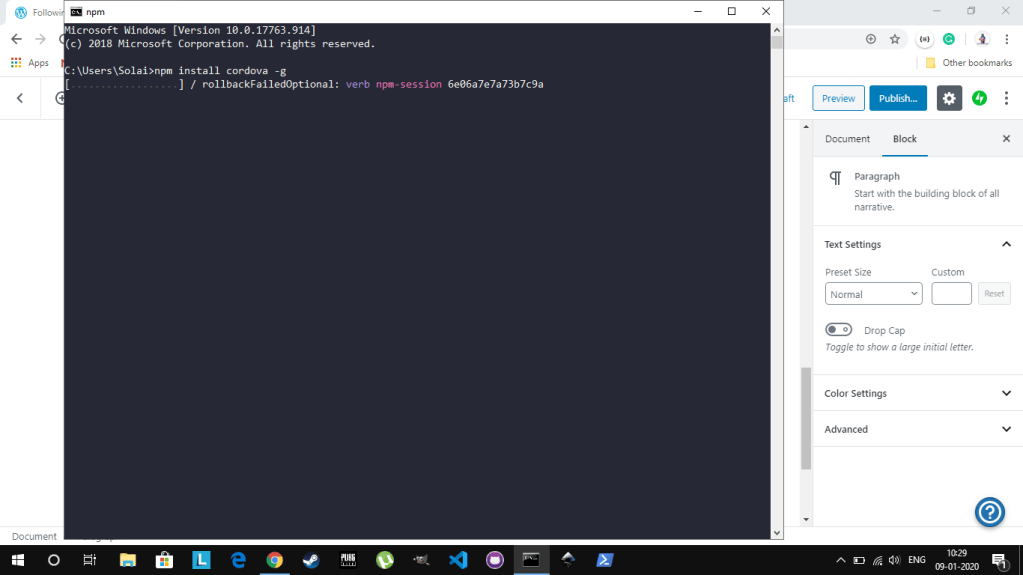
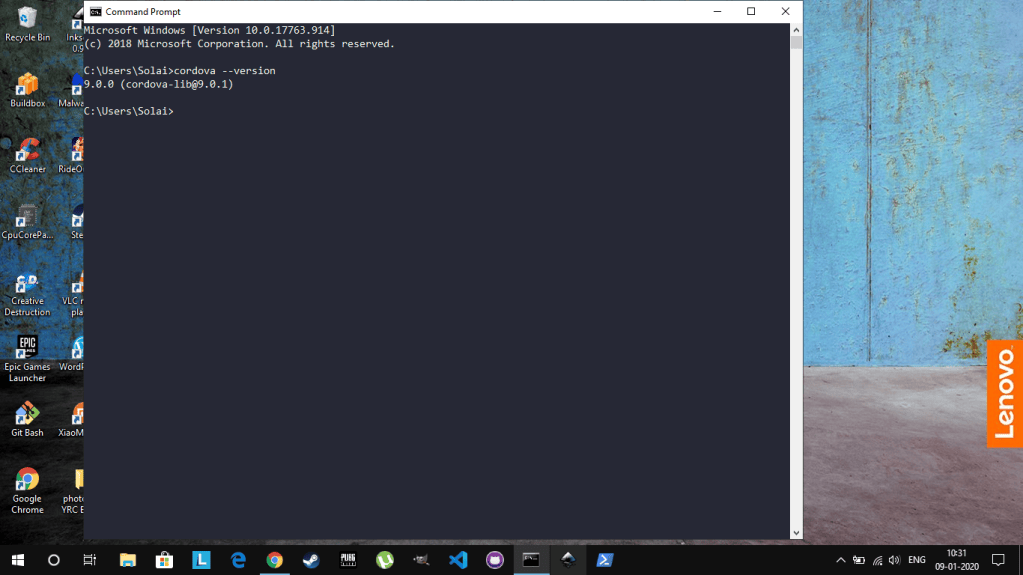
# 👉 Install Apache Cordova – Open Command prompt and type : npm install -g cordova
# 👉 Download & Install Android SDK – https://dl.google.com/android/installer_r24.4.1-windows.exe after installation add android SDK to path refer the link for video tutorials https://www.youtube.com/watch?v=S5wqTSuL3j4 [ For windows ]
# 👉 Download and install VSCode Text editor – https://aka.ms/win32-x64-user-stable
Lets bake our Hybrid App 🍳
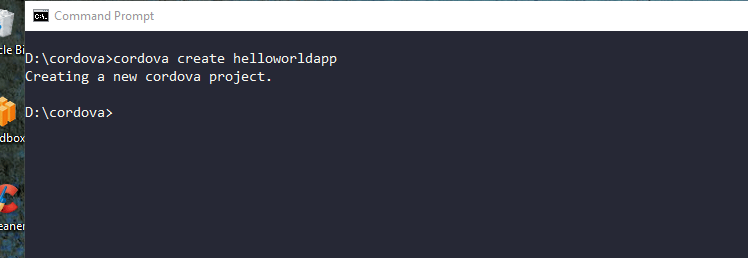
Open CMD in window and navigate to the folder where you want to create your android application and type “cordova create <yourappname>” for instane I will create an app named ‘helloworldapp’
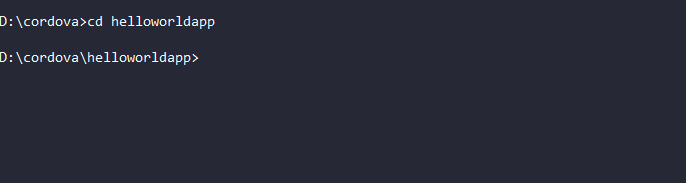
Now type cd <your app name> to open your cordova app project
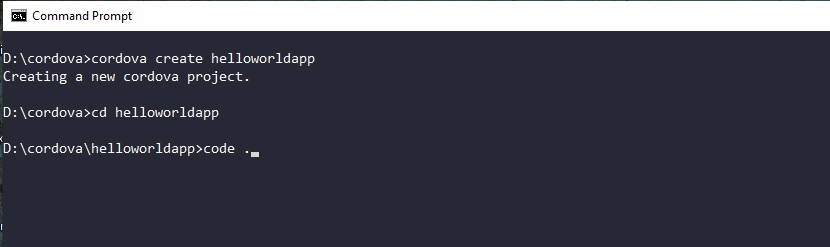
Now all you need is to edit the project using VSCode text editor even Atom code editor is peferable , to open the project in VSCode just type ‘code .’ in the CMD
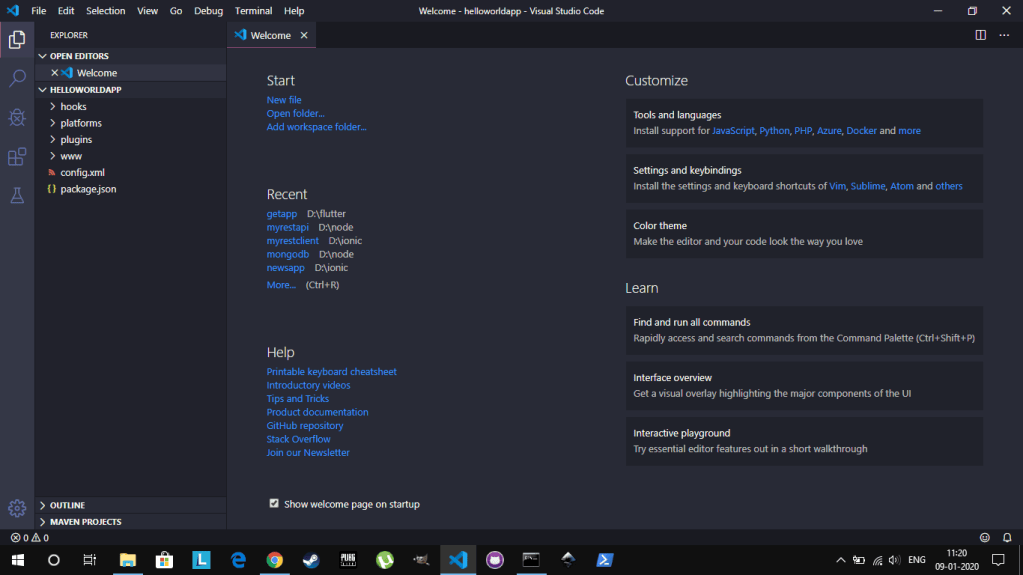
You will get a window like this (probably in other colour theme dont worry I will cover that in some other article)
Select the www folder from the project explorer and click on index.html and delete all the contents of the file and copy paste this code .👌
<!DOCTYPE html><html lang="en"><head> <meta charset="UTF-8"> <meta name="viewport" content="width=device-width, initial-scale=1.0"> <meta http-equiv="X-UA-Compatible" content="ie=edge"> <title>Hello World App</title></head><body> <h1 style="text-align: center;">This is my First app</h1> <p style="text-align: center;padding: 100px;"> Hello There </p> <script src="js/index.js"></script> <script src="cordova.js"></script></body></html>
You are free to insert your own code
Now its time to build and android app
- Head to the CMD (Command Prompt) and type ‘cordova platform add android’
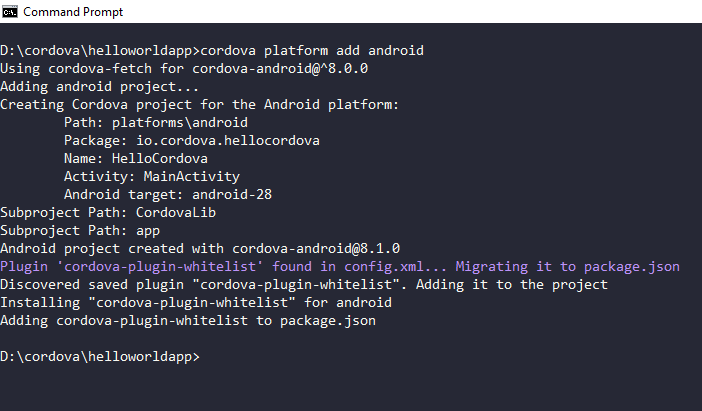
- Now type ‘cordova build android’ in the CMD (Command Prompt). This will build an android application with our cordova project we made.
- This might take some time about 2 – 5 seconds based on how big is your code. ⌛

You should get this build success message, if not then probably some thing wrong with the installation of ingredients. 😐
COMMENT IF ANY ISSUES
After the build success navigate to the folder where you created the project for example , <your drive>:\<appnme>\platforms\android\app\build\outputs\apk\debug
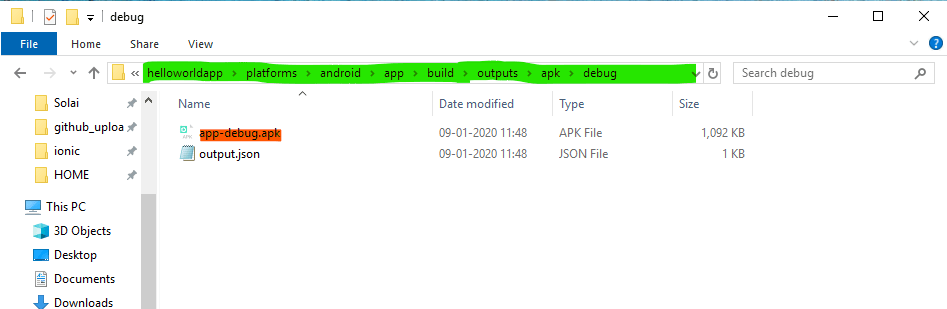
there you can find the ‘app-debug.apk’ file now transfer the .apk file into your android device and install the app.
launch / Open the application in your android device.
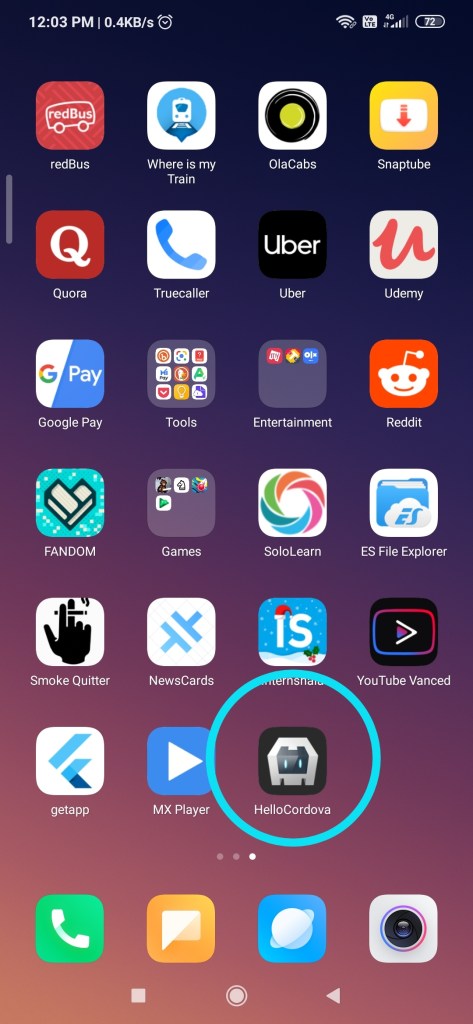
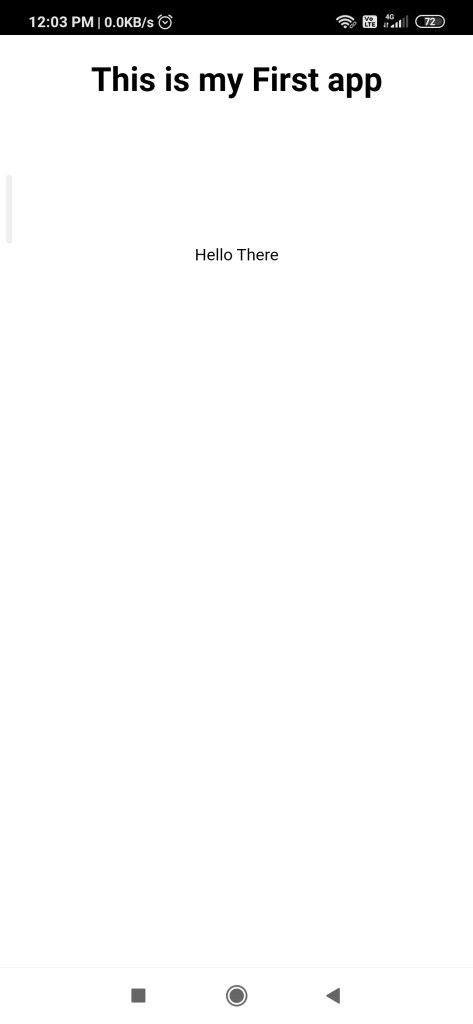
Right : Our app main page.
Hurray ! we have made our first Hybrid mobile application for android.

As I mentioned that was cake walk 🍰
All the best on your first Hybrid Web Application ! 🎉


